Getting started with Wavebot is simple and hassle-free. All you need is a Google account to sign up quickly and securely. Follow these steps to create your account:
Visit the Wavebot Homepage
Go to wavebot.10gspectrum.com.
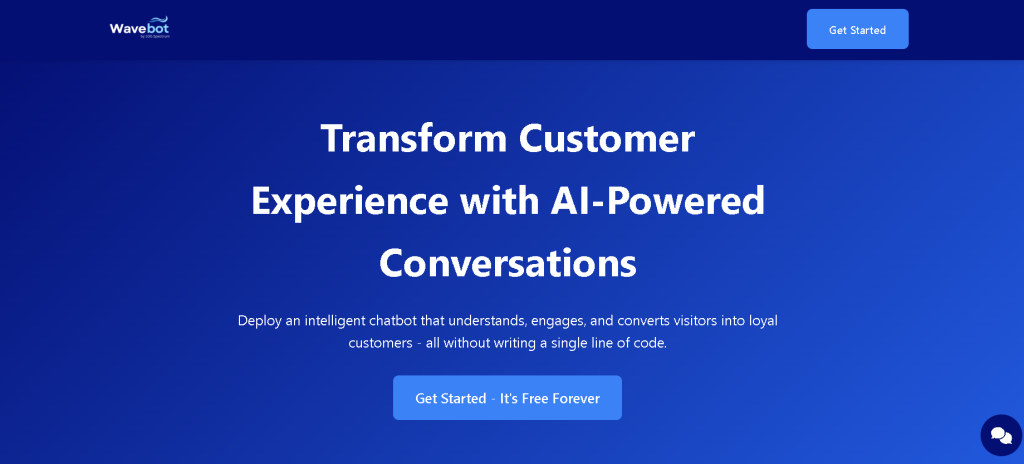
Click on the Get Started Button
On the homepage, locate the Get Started button at the top-right corner. Click on it to begin the signup process. (Refer to the image for guidance.)
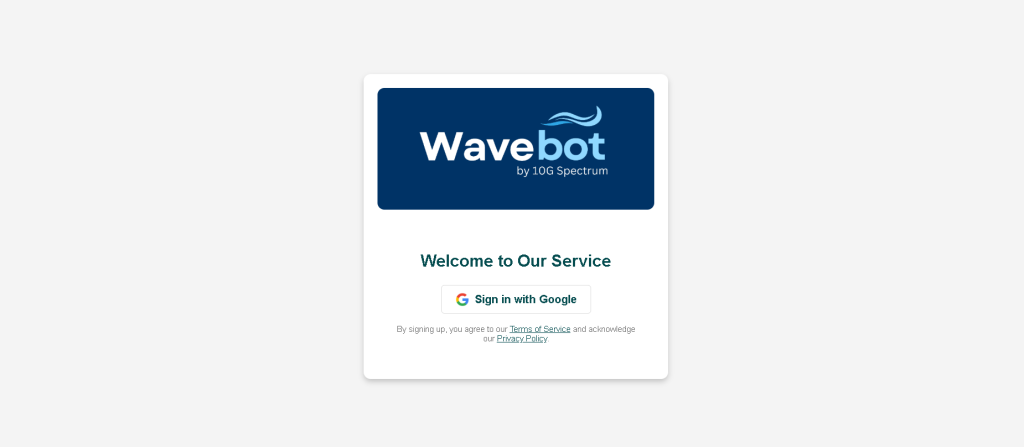
Sign in with Google
- Click on the Sign in with Google option.
- Choose the Google account you want to use for Wavebot.
You're All Set!
Once you've signed in, your Wavebot account will be created instantly. You're now ready to explore and start setting up your AI-powered chatbot.
Wavebot makes signing up as simple as possible, so you can focus on transforming your customer engagement!